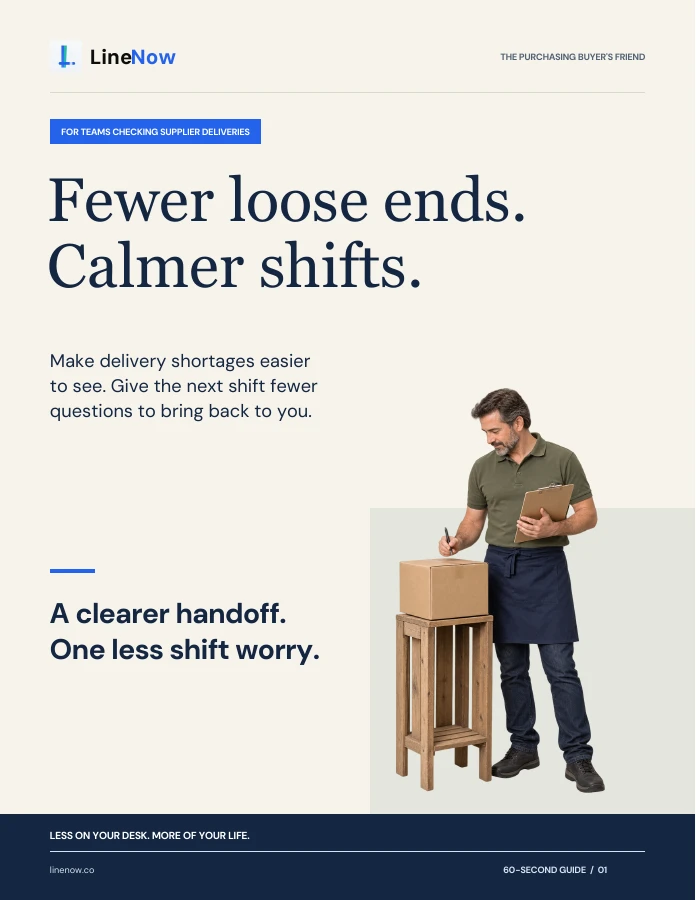

DSD stands for direct store delivery. The bread, snack, soda, beer and dairy vendors deliver straight to your store instead of through your wholesaler. DSD receiving is the check you run at the back door before you sign the driver's invoice. Each DSD vendor brings its own paper and its own prices. A short case or a price above what you agreed costs you money unless someone catches it at the door.
Quick answer
Have every DSD delivery staged where you can see it. Count and scan each item against the vendor's invoice, not the driver's word. Check the price of each line against what you agreed. Write any difference on the invoice before you sign, and get the driver to acknowledge it. Then send price disputes to the vendor's office, not the driver. Keep a log of credits you're owed and close each one when it shows up on a later invoice.
How large grocers run the back door
Albertsons and Kroger publish their DSD receiving rules for vendors. They show how a chain turns each delivery into a checked, priced and closed document:
- Albertsons' back door receiving requirements (revised June 2024) say every DSD delivery comes through the back door. The driver stages the product so the receiving clerk can see, count and scan all of it. A paper invoice must be there at check-in. The clerk scans each item, and the system closes the invoice at the lower of the scanned or invoiced cost.
- The same document says cost and allowance disputes are not handled at the store. Quantity problems stay with the store's receiver, and price disputes go to the division sales team.
- Kroger's letter to DSD vendors (undated, linked from its current EDI portal) requires an itemized invoice with Kroger-approved UPCs. Stores can't pay from packing lists, and the closed receiving ticket is the only valid proof of delivery. The vendor has to check that ticket before leaving.
Without a chain's systems, the jobs are still the same: count everything, price everything, settle quantities at the door and prices with the office.
The back-door check, step by step
- Stage before you count. Ask drivers to bring everything in and set it where you can see it before check-in, not stacked behind the cooler door.
- Count against the invoice. Check each line, in the unit it's billed in: cases, trays or eaches.
- Check the price. Compare each line with the agreed price or current price list, including any promotion that should be on this invoice.
- Note returns and stale pulls. If the rep pulled out-of-date product, make sure the credit is written on the invoice. A pull with no credit memo is product you paid for and gave back.
- Write differences on the invoice before signing. Short, damaged, wrong item, wrong price.
- Log what's owed. Each credit you're owed goes on a list until it shows up on a later invoice or statement.
A worked example
This example is illustrative. A snack vendor's invoice lists 12 cases of chips at $18.50 a case and 4 cases of pretzels at $16.00, for $286.00. Your price list has the chips at $17.75. At the door you count 11 cases of chips and 4 of pretzels.
| Line | Invoiced | Counted | Agreed price | Difference |
|---|---|---|---|---|
| Chips | 12 × $18.50 | 11 | $17.75 | 1 case short; $0.75 a case over |
| Pretzels | 4 × $16.00 | 4 | $16.00 | None |
The short case comes to $18.50 at the invoiced price, and the price on the 11 delivered cases is $8.25 over. Write the short case on the invoice for the driver to acknowledge. Send the price difference to the vendor's office with the invoice number. Log $26.75 as owed until a credit appears.
Where LineNow fits
LineNow checks each delivery against its order or invoice line by line, with the driver's paperwork and any photos kept in the chat on that line. Price changes show against what you agreed before you pay. Credit requests, with photos, go to the vendor from the same chat. When a rep brings a new item, you can add it to your POS from LineNow, so it rings up from the first day. The main wholesaler order can stay where it is today.
See how this works for grocery stores and convenience stores, or start from the receiving checklist template.
Sources checked
Reviewed November 27, 2026.
- Albertsons Companies, Back Door Receiving (BDR) / Invoice Requirements (Rev. June 5, 2024)
- Kroger, DSD compliance letter to vendors (undated; linked from the current EDI portal)