LineNow
Use CasesPartnersProcurementSuppliersResources
LoginBook a Demo
LineNow
  • Use Cases
  • Suppliers
  • Pricing
Login
Book a Demo
Use cases/Order, receive & count

Restaurants & cafés · Order → Receive → Count

Café ordering, receiving, and counts in one workflow.

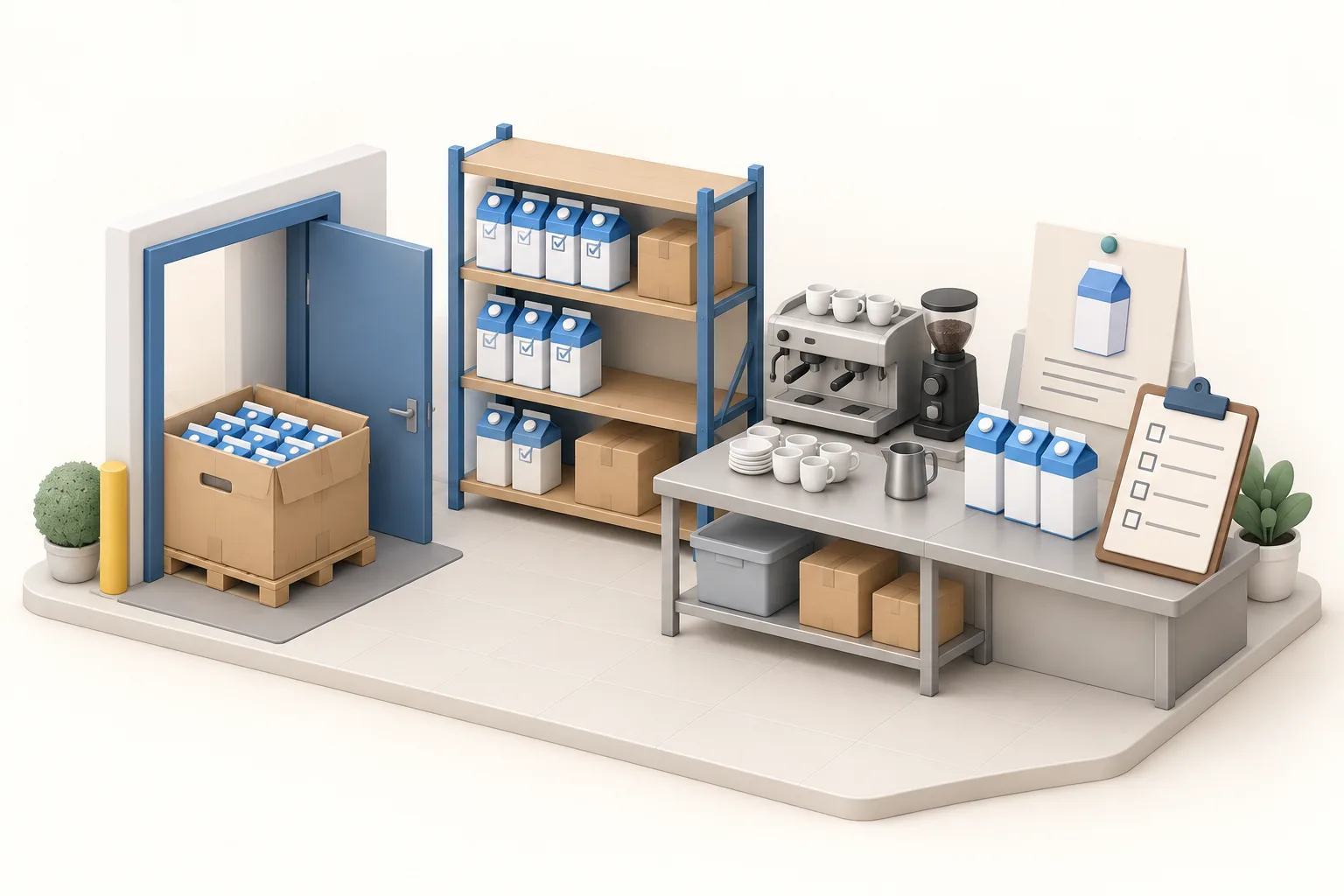
LineNow gives café teams one workflow for supplier ordering, receiving, and physical stock counts. Follow eight cases of oat milk through a six-case delivery and the next shelf count.

Book a café workflow demo→Follow the workflow ↓

90-day free trial · No credit card · See pricing
Café operators checking a delivery of cartons together
LineNowPartial delivery

Receiving checklist

Oat milk

1 case = 12 cartons

Ordered
8 cases
Received
6 cases
Still due
2 cases

✓ 72 cartons received

Order→Receive→CountIllustrative workflow
01Build the order↗02Check the delivery↗03Count before the next buy↗

01Build the order

Order in the supplier’s cases.

Build the purchase around the supplier’s pack size and your location’s needs. Keep the expected unit quantity visible so the person ordering and the person receiving agree on what is coming.

  • ✓Keep the order guide organized by supplier.
  • ✓Use the supplier case size and review current or incoming stock.
  • ✓Send a PO the receiving team can use when the van arrives.

↳Eight cases on the order means 96 cartons expected.

LineNow

Buy in the supplier’s cases

Oat milk · Café order

8cases ordered
×
12cartons per case
=
96 cartonsExpected delivery
Illustrative workflow · Example quantities

02Check the delivery

Receive the delivery you got.

When only six of eight cases arrive, record those six against the order. Keep the remaining two visible, and retain notes about shortages or supplier changes with the purchase.

  • ✓Compare the delivery with the current supplier order.
  • ✓Record shortages and delivery differences as they happen.
  • ✓Keep the remaining cases on the order for follow-up.

↳72 cartons received; 24 cartons still due.

Café operators checking a delivery of cartons
LineNow

Check what actually arrived

Oat milk · First delivery

8 cases ordered
✓✓✓✓✓✓
Received6 cases72 cartons
Still due2 cases24 cartons
Illustrative workflow · Example quantities

03Count before the next buy

Make the next purchase from a fresh count.

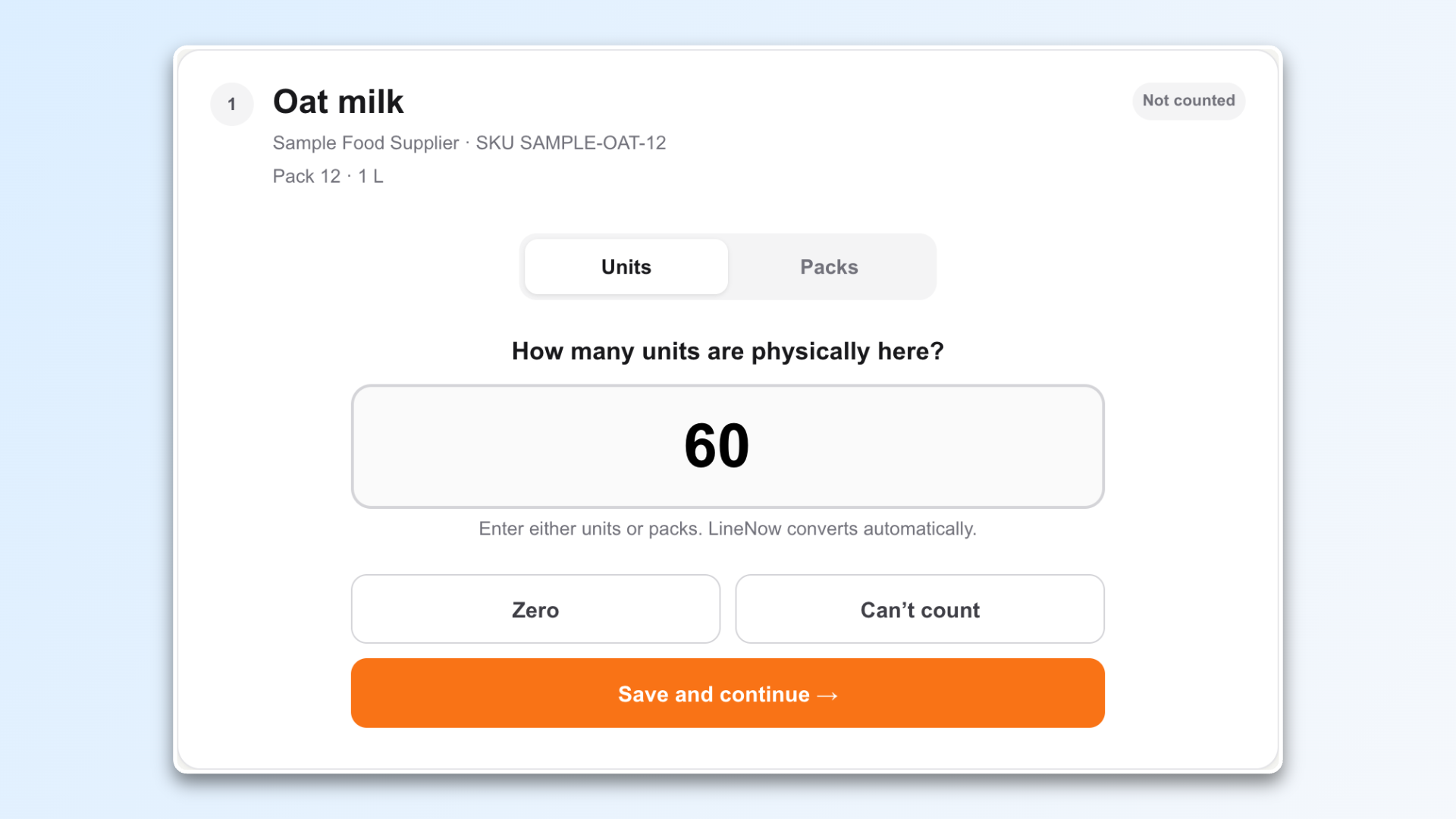
At the next stock check, record what is actually on the shelf. Review the counted quantity alongside stock already incoming before deciding how much more to order.

  • ✓Count what is physically on the shelf at the selected location.
  • ✓Keep full cases and loose cartons in the same unit.
  • ✓Review differences before deciding the next purchase.

↳A physical count and an open PO both inform the next buy.

Café staff counting cartons on back-of-house shelving
LineNow

Count the shelf

Oat milk · Later stock count

2 cases × 12
+
5 loose
=
29 cartonsCounted on the shelf

24 cartons still on order

Illustrative workflow · Example quantities

Inside LineNow

Keep pack size and unit quantity on the same order.

The LineNow purchasing workspace shows units per pack, cost, quantities, and notes together. The buyer can review the supplier’s case quantity while the receiving team sees the units that quantity represents.

Explore case and pack mapping →
LineNow purchase order workspace with units per pack, pack costs, quantities, and notes
LineNow purchase order workspace. Example catalog shown. View full size ↗

Make it work for your team

Give each part of the routine an owner.

Set up the items, locations, and receiving rules once, then use them consistently across shifts.

Walk through your setup →
The buyer
Build supplier orders from the order guide and review what is on hand and already incoming.
The receiving shift
Check the current PO, record quantities that arrived, and retain delivery differences.
The person counting
Count at the right location, using the configured packs and units, and review changes before applying them.
The connected systems
Supported POS integrations need item, recipe, and location mappings. Physical counts remain useful when sales do not fully describe ingredient usage.

Practical questions

Before you connect the workflow.

Understand the setup, the handoffs, and what your team reviews along the way.

Connect the café routine.

Square for Restaurants

Connect menu sales, recipe ingredients, and kitchen purchasing.

→
Receiving checklist

Give the team a practical delivery-check starting point.

→
Restaurant software

Explore the broader restaurant product and capabilities.

→

Walk through your own workflow

Bring one delivery and one shelf count.

Walk through the supplier pack, partial receipt, and next buying decision with the people who do the work.

Book a café workflow demo→

90-day free trial · Guided setup · View plans and pricing

Line Now Logo
Procurement and supplier operations — simplified.Based in Seattle, WA

Product

  • Procurement Platform
  • Purchase Order Software
  • Supplier Management
  • PO Status Tracking
  • Procurement Items

Suppliers

  • Partners & Integrations
  • Purchasing Use Cases
  • Supplier Platform
  • Supplier Sign Up

Business Types

  • Food & Beverage
  • Retail
  • Manufacturing
  • Regulated Industries
  • Dropshipping

Resources

  • Pricing
  • Blog
  • Supplier Management Software
  • Inventory Replenishment Software
  • Purchase Order Automation
  • EOQ Formula
  • Free Tools
  • PAR Level Calculator
  • PO Generator
  • Demand Pattern Classifier
  • Order Guide Builder
  • Reorder Point Calculator
  • Safety Stock Calculator
  • Food Cost Calculator
  • Free Templates
  • Help Center

LineNow vs

  • Odoo
  • Unleashed
  • Ordoro
  • Ramp
  • BILL
  • Procurify
  • Precoro
  • Tradogram
  • Cin7
  • MRPeasy
  • Inventory Planner
  • MarketMan
  • Crunchtime
  • Supy
  • Choco
  • Craftable
  • xtraCHEF

Marketplace

  • Square
  • Shopify
  • Google
  • Capterra
  • GetApp
  • Software Advice
  • SourceForge
  • Slashdot
  • Product Hunt

Company

  • Why LineNow
  • Terms
  • Privacy
  • Contact
© 2026 Line Now LLC