

LineNow
Use CasesPartnersProcurementSuppliersResources
LoginBook a Demo
LineNow
  • Use Cases
  • Suppliers
  • Pricing
Login
Book a Demo
Restaurant Purchasing & Inventory Software

Order. Receive. Count.

Keep food costs in check.

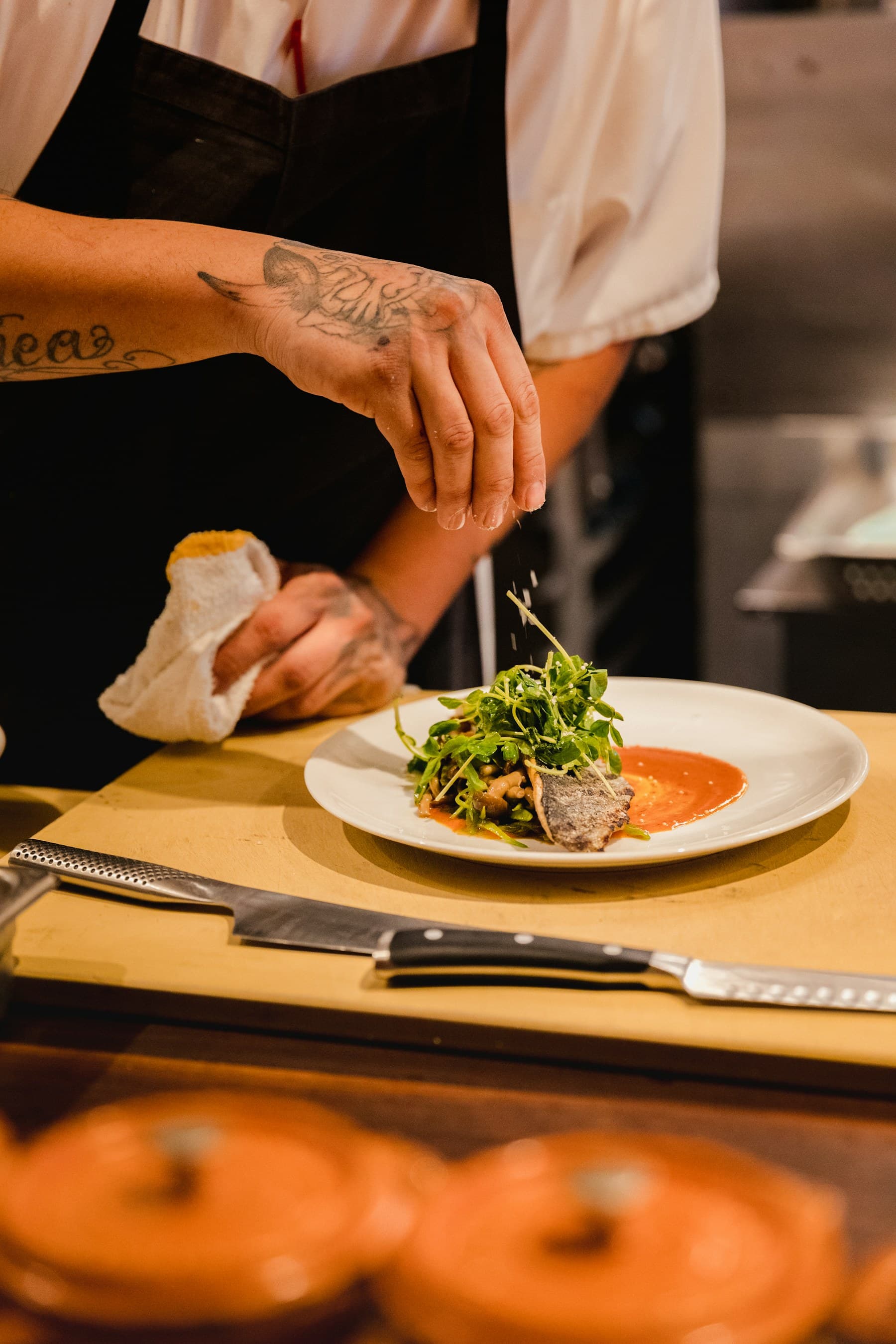
Chef preparing ingredients in a restaurant kitchen
See restaurant receiving in 34 seconds

Book a demo to start your 90-day free trial — no credit card. Then $100/mo per business unit.

Give the next shift more than an order confirmation. LineNow connects supplier orders, receiving checklists, and physical counts — so the team knows what was ordered, what arrived, and what is left before buying again.

Order from What You Need
  • Build supplier POs from stock and par-level recommendations
  • Review quantities, supplier prices, and pack sizes before sending
  • Keep supplier replies with the order your receiver will check
Receive with a Checklist
  • Print the order with full, partial, and remaining quantities
  • Use QR phone receiving at locations receiving through LineNow
  • Attach delivery documents and review what actually arrived
Count What Is Actually There
  • Print a count checklist for selected items at one location
  • Scan to enter physical counts in packs or units on a phone
  • Review and apply counts before the next ordering decision
Restaurants·Cafes & Bakeries·Bars & Breweries·Catering
Chef preparing ingredients in a restaurant kitchen
See restaurant receiving in 34 seconds

Book a demo to start your 90-day free trial — no credit card. Then $100/mo per business unit.

Supplier ordering for teams including Whitmans, Living Fit, and Verve Bowls
Whitmans logo
Living Fit logo
Keep It Simple logo
Moval logo
Inbox G logo
Verve Bowls logo
Tipton & Hurst logo
Whitmans logo
Living Fit logo
Keep It Simple logo
Moval logo
Inbox G logo
Verve Bowls logo
Tipton & Hurst logo

A buying scenario

Organize purchasing before expanding the rollout.

A restaurant buyer coordinates orders across kitchens using messages and supplier websites. The immediate need is a repeatable ordering process; recipe setup and a POS rollout can follow in stages.

Illustrative scenario. Use it to plan your evaluation; it is not a customer results claim.

What to prove in your trial

Can the buyer keep each kitchen’s order, supplier reply, and receipt together?

  • Prepare an order guide with reviewed item names and pack sizes.
  • Follow one kitchen’s order through confirmation and receiving.
  • Verify the sales-data path before relying on recipe-driven inventory.
Build a restaurant order guide →

Customer-loved Food & Beverage Ordering and Cost Control

Book a DemoLearn More

Onboarding with the LineNow team

A LineNow team member sets up your suppliers, items, and first POs with you - and sticks around after.
Team helpduring setup
90 daysfree trial, no credit card
LineNow sales team member
Real onboarding help

Talk through your supplier workflow with a LineNow team member before you start.

Shopify
Read Shopify reviews
Square
View Square listing
I have saved thousands of dollars a month on my own time and ordering strategy. It's a relief to know you're doing the right thing, and incredibly quickly.
How Verve Bowls orders in 40 minutes, not 6 hours →
Krushang V.Verve Bowls
Verve Bowls logo
You will not be disappointed!
How Whitmans changed supplier follow-up →
Ralph W.Whitmans
Whitmans logo
This is a great app. It does exactly what we need it to do
How Living Fit automated dropship POs in days →
Jay P.Living Fit
Living Fit logo

Sound familiar?

Food-cost problems often begin between the order, the delivery, and the stock count.

Ordering from Stale Stock

The next order starts from yesterday’s estimate. A delivery changed, ingredients were used, and nobody has checked what is actually left on the shelf.
Reduce WasteLearn More

Delivery Differences

The truck brings fewer cases, a different pack size, or a changed price. Without a receiving record, the team has to reconstruct the difference when the bill arrives.
Control CostsLearn More

Shift Handoffs

One person orders, another receives, and a third counts. When the PO, delivery notes, and stock sheet are separate, each shift starts by asking the last one what happened.
Organize SuppliersLearn More

Counts That Stay on Paper

A clipboard can help in the cooler. The gap is getting those checked quantities back into inventory before someone places the next order.
Connect Your CountsLearn More
FREE

Walk through order, receive, count

See how a supplier order becomes a receiving checklist, how the team records a delivery, and how a physical count informs the next purchase.
Book a Demo →

From the supplier order to the next stock count

One connected workflow for the buyer, the receiver, and the person counting the shelves.

Give the next shift an order they can work from.

Build purchase orders from stock and par levels, review the supplier and pack sizes, then send. Supplier replies stay with the order so the person receiving is not starting from a separate spreadsheet.

  • Review recommended quantities before placing the order
  • Keep supplier, item, pack size, and price together
  • Print the receiving checklist from the saved order

The delivery gets a checklist, not a guess.

Print a receiving checklist with ordered items, pack sizes, and quantities already received or still due. For locations receiving through LineNow, its QR code opens that order on a phone without a login.

  • Mark a full delivery or enter the partial quantity
  • Attach the invoice, packing slip, or delivery photos
  • Review what arrived before submitting the receipt

Bring the stock record back to the shelf.

Print a count checklist for selected items at one inventory location. Scan its QR code to open the same list on a phone, enter the physical quantities, then review and apply the counts to inventory.

  • Narrow the checklist by the inventory filters you use
  • Enter counts in packs or units, with item details alongside
  • Use the updated stock record for the next ordering decision

Costing supports the workflow, not the other way around.

Keep supplier prices and pack sizes with the ingredients you buy. Add recipe quantities when you need dish-level cost estimates; physical receiving and counting still establish what actually came in and what is left.

  • Review recorded supplier prices and pack sizes
  • Link ingredient quantities to recipes for cost estimates
  • Investigate differences using orders, receipts, and counts

All your supplier logins, in one place.

Store credentials for supplier ordering portals so your team can access saved supplier sites without hunting for passwords. One click opens the portal record your team already uses.

  • Securely store login credentials for each supplier portal
  • One-click access to saved supplier ordering sites
  • No more shared sticky notes or forgotten passwords
Book a DemoLearn More
LineNow purchase order with supplier details and ordered items
LineNow receiving screen showing pack quantities and price differences against a purchase order
LineNow inventory view showing on-hand quantities, incoming stock, and par levels
LineNow ingredient catalog showing supplier prices, pack sizes, and price trends
LineNow supplier credential management

Investigate the numbers behind the workflow

Example conversations using illustrative data. Ask about connected sales, recipe costs, and supplier records, then review the next action.
LineNow AIExample
AI
Review the food-cost impact of your buying. Use recorded supplier prices and recipe quantities to investigate cost changes alongside orders, receipts, and physical counts.
You
What’s my actual food cost this week vs target?
AI
Your actual food cost is 33.2% this week, 1.8 percentage points above your 31.4% target. Here’s the breakdown by category:
AI
Proteins
38%
Produce
28%
Dairy
34%
Dry Goods
22%
You
Which dishes are hurting me the most?
AI
DishMenu PriceFood CostMargin
Ribeye Steak$38$16.4256.8%
Lobster Pasta$32$13.1259.0%
Wagyu Burger$24$9.8459.0%
AI
Your ribeye cost jumped 12% this month due to a supplier price increase. Consider switching to your alternate supplier (Pacific Meats) who’s $2.40/lb cheaper, or raising the menu price by $3.
AI
Find where food is going to waste. Compare estimated usage with counts and recorded waste to identify items worth checking. A variance is a prompt to investigate, not proof of its cause.
You
Show me my biggest waste variances this month.
AI
Your theoretical vs actual usage variance is $1,847 this month. Top offenders:
AI
ItemExpectedActualVariance
Atlantic Salmon42 lbs58 lbs+$384
Avocados120 ct168 ct+$216
Heavy Cream18 gal26 gal+$192
Chicken Breast85 lbs104 lbs+$171
You
What’s causing the salmon variance?
AI
Recorded usage is about 38% above the recipe estimate. That gap alone cannot identify the cause. Check receiving quantities and count entries first, then review recorded prep waste and portion sizes.
AI
Build purchase orders from AI recommendations. Ask what you need to order, and the AI builds carts by supplier based on your par levels, upcoming bookings, and current stock.
You
What do I need to order for this weekend? We have 180 covers booked.
AI
Based on 180 covers and your current stock, you need to order from 3 suppliers. I’ve prepared carts:
AI
SupplierItemsTotalStatus
Pacific Meats6$1,240Ready
Harbor Seafood4$890Ready
Valley Produce8$445Ready
AI
You
Send all three.
AI
3 purchase orders sent ($2,575 total). Friday AM is the requested delivery time; supplier confirmation is still needed. Review the replies before planning receiving.
Ask about your food costs...

Keep the systems. Close the buying loop.

LineNow does not try to become your POS, inbox, ERP, or accounting file. It turns those records into supplier work, then sends clean updates back.

Shopper checking out at a retail point-of-sale counter

Demand signals

POS and sales channels

Connected sales, menus, catalogs, customer orders, and on-hand signals where supported

Shopify logoSquare logoLightspeed (Retail X-Series and R-Series) logoToast logoClover logoAmazon logoFaire logo
Operations team working through supplier messages together

Supplier channel

Email and messages

Confirmations, substitutions, ETAs, backorders, price changes

Gmail logoWhatsApp logoMicrosoft logo
Received order handed off in a sealed box

Records out

Accounting, ERP, inventory

Bills, received quantities, costs, shipments, compliance records

QuickBooks logoXero logoShipStation logoBusiness Central logoSOS Inventory logoMetrc logo

LineNow work layer

The part your systems do not own

One order record carries the decision, supplier conversation, receiving variance, and downstream handoff.

  1. 01Turn signals into a buy listLineNow reads usage, stock, supplier rules, pack sizes, and open orders before recommending what to buy.
  2. 02Create supplier-ready POsThe buyer reviews one working order, then sends supplier-specific purchase orders without rebuilding them elsewhere.
  3. 03Attach every supplier replyConfirmations, shortages, substitutions, price changes, and ETAs update the order instead of sitting in an inbox.
  4. 04Push clean records backReceiving, final costs, invoice context, and fulfillment state are handed downstream after the order has changed.

The next shift starts with the same record

What was ordered. What arrived. What is left.

Keep supplier orders, receiving checklists, and inventory counts connected across shifts. In the café example, six of eight cases arrive: 72 cartons received and 24 still due. Carry that delivery evidence into food-cost review.

Follow order, receive and countBook a Demo
Chef preparing ingredients in a professional restaurant kitchen
Chef plating food during restaurant service
Counter team using a point of sale system for food service
Time-value calculator

What is your team's time worth?
Run your own numbers.

Estimate the value of time you could recover from purchasing work. Choose your own hourly value and hours saved; these are assumptions, not a forecast of your results.

$100/moone business-unit subscriptionDeducted from the estimate
4.33 weeksaverage month used in the calculation52 weeks divided by 12 months
Hourly time value$30/hr
Hours saved / week2 hrs
Est. net time value$160/mo$1,920 / yr
Book a Demo →

Time value is not guaranteed cash savings. Assumes one $100/mo business unit after the 90-day free trial; excludes setup costs and taxes. Hours × 52 ÷ 12 × hourly value − $100.

Common questions

Restaurant ordering, receiving checklists, inventory counts, and food-cost questions
LineNow connects with Square, Shopify, Toast, Clover, Lightspeed (Retail X-Series and R-Series), Amazon, and Faire. The read-only Toast Standard API connection reads published menus and closed orders and uses signed webhooks to keep activity current. Sales data feeds ingredient usage and reorder math so ordering starts from what the restaurant is actually selling.
Print a checklist from the purchase order with items, pack sizes, ordered quantities, and what has already been received. Mark full quantities or write the partial quantity. For locations receiving through LineNow, the printed QR opens phone receiving without a LineNow login: attach delivery documents, check items, review the quantities, and submit the receipt. A document upload by itself does not confirm that goods arrived.
Choose items at one inventory location using your inventory filters, then print the count checklist. Its QR code opens that same list on a phone. Enter physical quantities in packs or units, review the entries, and apply the counts to inventory. Receiving records what came in; a stock count establishes what is still there. They are separate steps, not interchangeable estimates.
Yes — multi-location is supported in the standard plan, billed per business unit. Each location can have its own inventory signals, par levels, and supplier relationships. Buyers can manage restaurant ordering from one view or drill into individual locations.
Set par levels for each ingredient. LineNow uses sales, recipe usage, and current stock to flag reorder needs. Generate a purchase order grouped by supplier, check quantities and pack sizes, then review and send it. Sales-sync timing depends on the connected POS and its configuration.
Yes. LineNow logs every price from every supplier on every order. You can see price trends, compare vendors for the same ingredient, and get alerts when a price jumps unexpectedly. This makes it easy to negotiate better deals with data backing you up.
Yes. LineNow supports location-level inventory and supplier workflows, so restaurant teams can compare ingredient usage, supplier price changes, recipe cost movement, and purchasing activity by location.
Recipe costing supports the order, receive, count workflow. Link ingredient quantities and purchase-pack sizes to recipes to estimate ingredient cost per dish from recorded prices. For example, a 0.2 lb portion at $4/lb contributes $0.80. That estimate does not replace a delivery check or a physical count, and it is not net profit after labor, rent, and other expenses.
Evaluate the handoffs your team actually needs: can the buyer print an order-specific receiving checklist, can the next shift record a partial delivery on a phone, and can a count update the stock used for the next order? That connected order, receive, count workflow is the center of LineNow. Compare those steps in a demo alongside any recipe, marketplace, or reporting features you need.
Invoice capture and physical receipt answer different questions: what was billed, and what actually arrived? LineNow attaches delivery documents to an order while the receiver checks quantities and records differences. The receiving checklist and later physical count remain explicit steps. Evaluate other tools against those same steps rather than assuming that reading an invoice confirms a delivery.
LineNow estimates stock between counts using connected sales, recipes, and receiving. Physical counts and waste entries still matter: sales alone cannot establish actual spoilage, portioning, or unrecorded use. Count on a schedule appropriate to your ingredients and use the differences to investigate variance.
Both. Independents and multi-location groups run LineNow — each location is a $100/month business unit with its own inventory, and the group gets centralized purchasing and warehouse-to-branch replenishment across all of them from one account. What LineNow deliberately does not build is enterprise enforcement machinery: labor scheduling, payroll, franchise audit modules. If the job is purchasing, ordering, and food cost, LineNow scales with the group without an implementation project.
The 90-day trial gives you full access to everything: unlimited ingredients, unlimited suppliers, POS sync, recipe costing, AI assistant, multi-location support, and all reporting tools. No credit card required. After 90 days it’s $100/month per business unit.
Most restaurants can start quickly. Connect your POS, import your supplier catalog (CSV or automatic POS pull), and begin turning usage and stock signals into supplier orders. If you have existing inventory data in spreadsheets, you can import that too.
You get direct support from the LineNow team for setup, POS connections, recipes, supplier workflows, imports, and purchasing process questions.

Start your 90-day free trial.

Learn MoreBook a Demo
Line Now Logo
Procurement and supplier operations — simplified.Based in Seattle, WA

Products

  • Purchase order software
  • Purchase order tracking
  • Supplier management
  • Inventory replenishment
  • Procurement platform
  • Supplier catalogs
  • Pricing

Solutions

  • Restaurant purchasing
  • Manufacturing purchasing
  • Central purchasing
  • Dropshipping
  • Regulated purchasing
  • Supplier order intake
  • All purchasing use cases

Integrations

  • Shopify purchasing
  • Square purchasing
  • Lightspeed purchasing
  • QuickBooks Online
  • All integrations

Resources

  • Buying guides
  • Software comparisons
  • Buyer insights
  • All articles
  • Free purchasing tools
  • Free templates
  • Rollout checklist

Company

  • Why LineNow
  • Book a demo
  • Help Center
  • Contact
PrivacyTermsEditorial standards
© 2026 Line Now LLC